

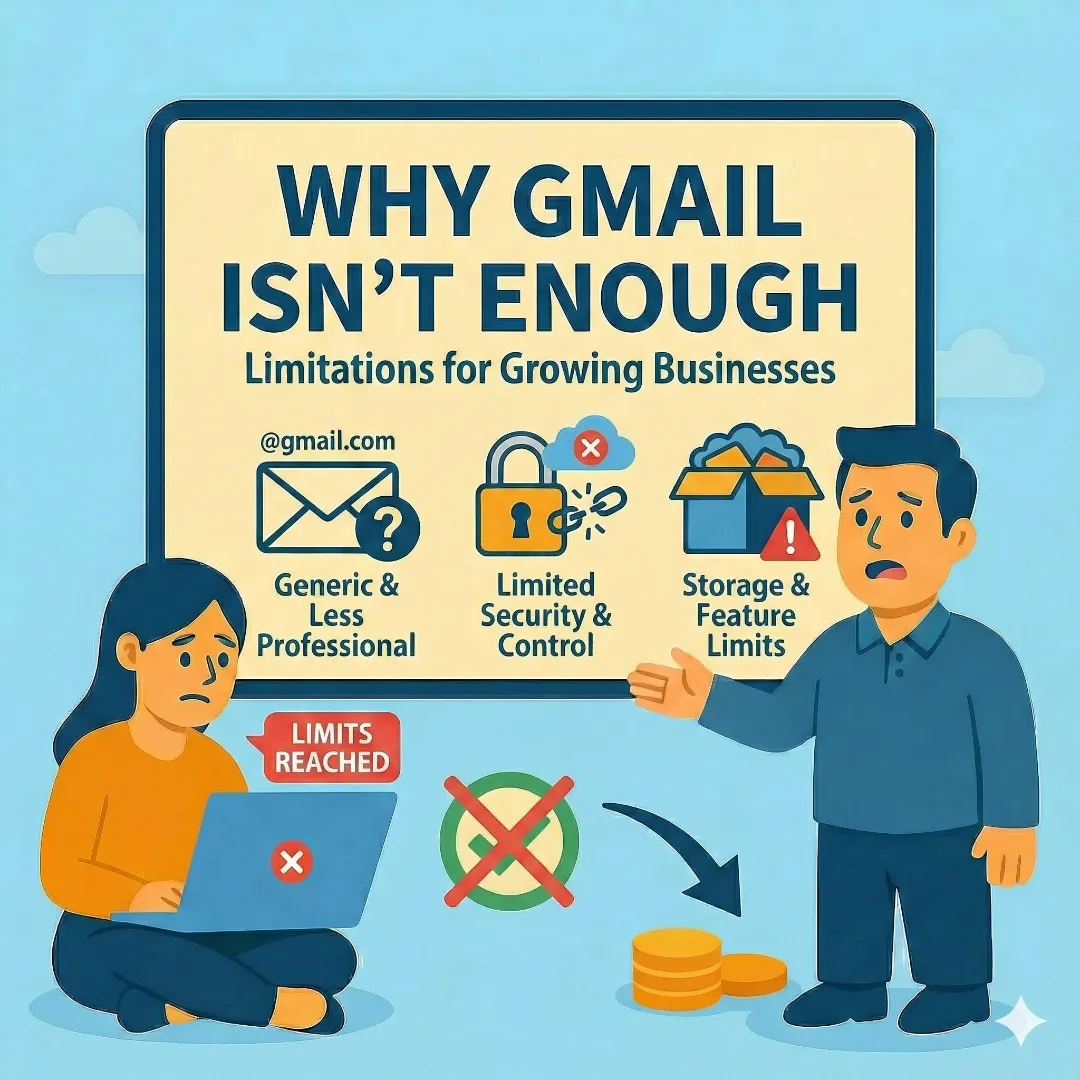
Let's get straight to the point: if you're running a real business and your email address ends in @gmail.com, @yahoo.com, or @outlook.com, you're hurting yourself in ways you probably don't realize.
It's not that free email doesn't work. It's that it silently undermines your credibility every single time you send a message. A customer comparing two bids — one from mike@gmail.com and one from mike@smithplumbing.com — is going to have a subconscious reaction to which one seems more legitimate. And they're right.
What Professional Email Actually Means
Professional email means using your own domain name for your email address. Instead of yourname@gmail.com, it's yourname@yourbusiness.com. That's it. You're still using Gmail (or Outlook) behind the scenes — the interface doesn't change. What changes is how you're perceived.
This requires two things you may already have: a registered domain name and an email hosting provider. If you already own your domain, you're halfway there.
Why It Matters More Than You Think
Credibility and Trust
Customers judge you before they ever talk to you. Your email address is often the first thing they see — on a quote, an invoice, a reply to their inquiry. A custom domain email signals that you're established, professional, and invested in your business.
Deliverability
Emails from free providers like Gmail and Yahoo are far more likely to land in spam or promotions folders when you're sending to business contacts. A properly configured custom domain email, with the right authentication records, has significantly better inbox placement.
Brand Consistency
Every email you send is a brand impression. When your email matches your website, your business cards, and your Google Business Profile, it reinforces a consistent, trustworthy identity. When it doesn't match, it creates subtle friction.
Security and Control
With a business email account, you control the data. If an employee leaves, you can disable their account and retain the emails. With a personal Gmail account, that's not possible — they walk out the door with your client communications.
Your Options for Business Email
Business Email Provider Comparison
| Feature | Google Workspace | Microsoft 365 | Free Forwarding |
|---|---|---|---|
| Price | $7/user/month | $7/user/month | Free |
| Send From Custom Domain | Yes | Yes | No (replies from personal) |
| Storage | 30 GB/user | 50 GB/user | N/A |
| Productivity Suite | Drive, Docs, Sheets, Meet | Word, Excel, PowerPoint, Teams | None |
| Learning Curve | None (it's Gmail) | Low (it's Outlook) | Minimal |
| Best For | Most businesses | Microsoft-heavy workflows | Tight budget stopgap |
Google Workspace (Our Recommendation)
Starts at $7/user/month and gives you Gmail with your custom domain, 30 GB of storage per user, Google Drive, Calendar, Meet, and the entire Google productivity suite.
For a single-person business, that's about $84/year — less than what most people spend on coffee in a month.
Microsoft 365
Starting at $7/user/month, Microsoft 365 gives you Outlook with your custom domain plus the full Office suite (Word, Excel, PowerPoint).
If your business lives in Microsoft's ecosystem or you need desktop Office apps, this is the better choice.
Free Email Forwarding
Services like Cloudflare Email Routing or your domain registrar may offer free email forwarding. You can receive email at you@yourbusiness.com, but replies send from your personal Gmail.
It's a functional stopgap if budget is truly tight, but the inconsistency can confuse clients and hurt trust.
The Part Most People Skip: Email Authentication
This is where things get a little technical, but it's critically important. Three DNS records determine whether your emails land in inboxes or spam folders:
SPF (Sender Policy Framework)
Tells email providers which servers are authorized to send email on behalf of your domain. Without it, anyone can spoof your email address.
DKIM (DomainKeys Identified Mail)
Adds a digital signature to your outgoing emails, proving they haven't been tampered with in transit.
DMARC (Domain-based Message Authentication)
Tells email providers what to do when an email fails SPF or DKIM checks. It's the enforcement layer that protects your domain from being used for phishing.
How to Set Up Google Workspace Email
The entire process takes about 30–60 minutes if you're comfortable with DNS. If you're not, it takes a professional about 15 minutes.
Google Workspace Email Setup
Sign Up and Add Your Domain
Sign up at workspace.google.com and enter your business name and existing domain.
Verify Domain Ownership
Add a TXT record to your DNS. Google gives you the exact value to paste.
Create Your Email Accounts
Set up addresses like you@yourbusiness.com and info@yourbusiness.com.
Update MX Records
Update MX records in your domain's DNS to point to Google's mail servers. This tells the internet where to deliver your email.
Set Up Authentication Records
Configure SPF, DKIM, and DMARC records to ensure deliverability and protect against spoofing.
Log In and Start Using
Log in to Gmail with your new address and you're done. Same Gmail interface, professional email address.
Common Mistakes to Avoid
Using info@ as your only address
Info@ is fine for a general inbox, but clients prefer hearing from a real person. Use your name for direct communication and info@ for your website contact form.
Not setting up authentication records
This is the #1 reason business emails end up in spam. Don't skip SPF, DKIM, and DMARC.
Forgetting to set up on your phone
Make sure your professional email is configured on every device you use. If you're still replying from your personal Gmail on your phone, the inconsistency damages trust.
Not creating a shared/forwarded address
Set up something like hello@ or contact@ that forwards to your main inbox. This gives you a clean address for your website and marketing materials.